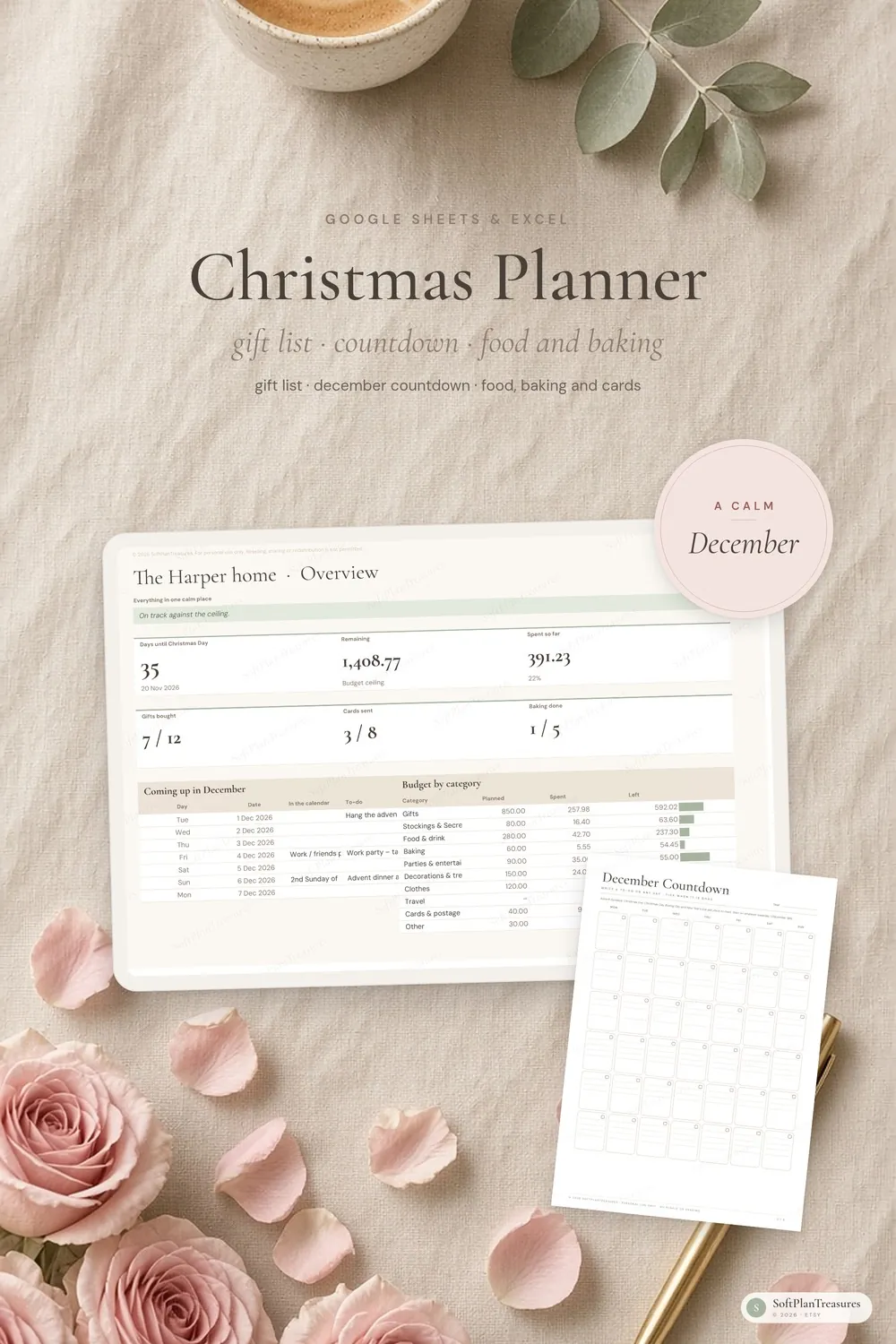
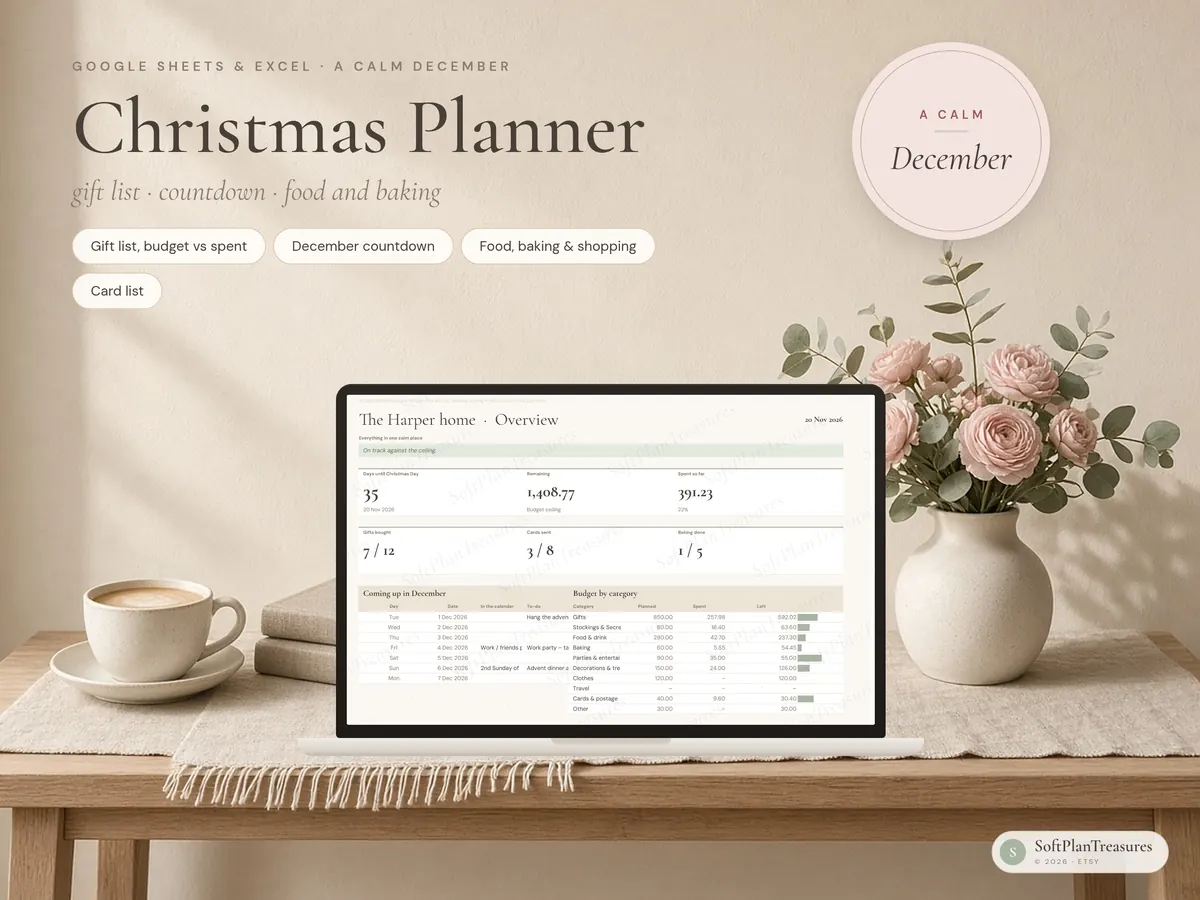
A Christmas planner for Google Sheets and Excel: gift list with budget versus spent, a December countdown, food and baking with a shopping list, and a card list.
Seven tabs, not twenty. A gift list that tracks budget versus spent for every person, a December countdown you can actually write in, a food and baking plan with a shopping list that adds itself up, and a card list. White cells are for typing. Everything else calculates itself.
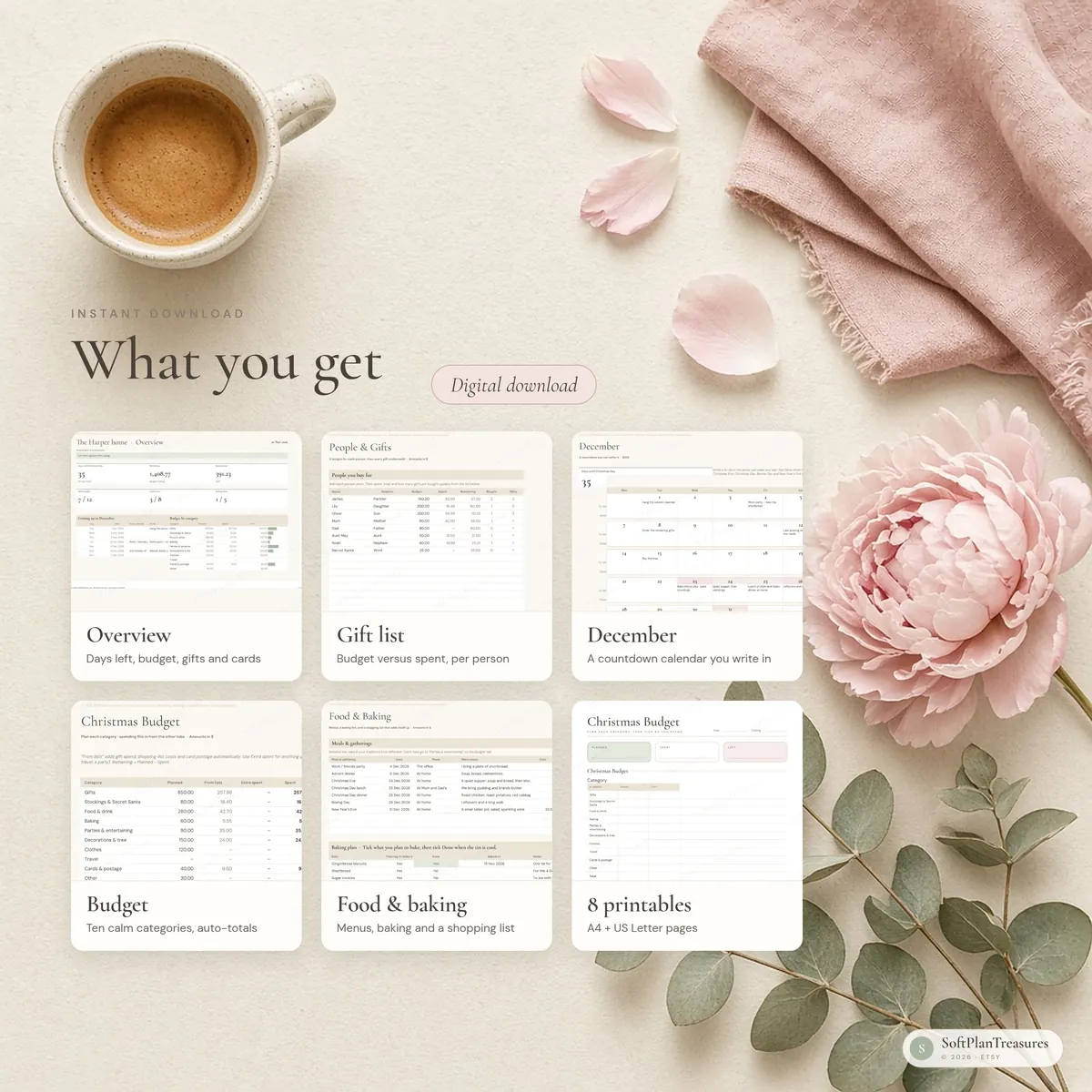
What you get
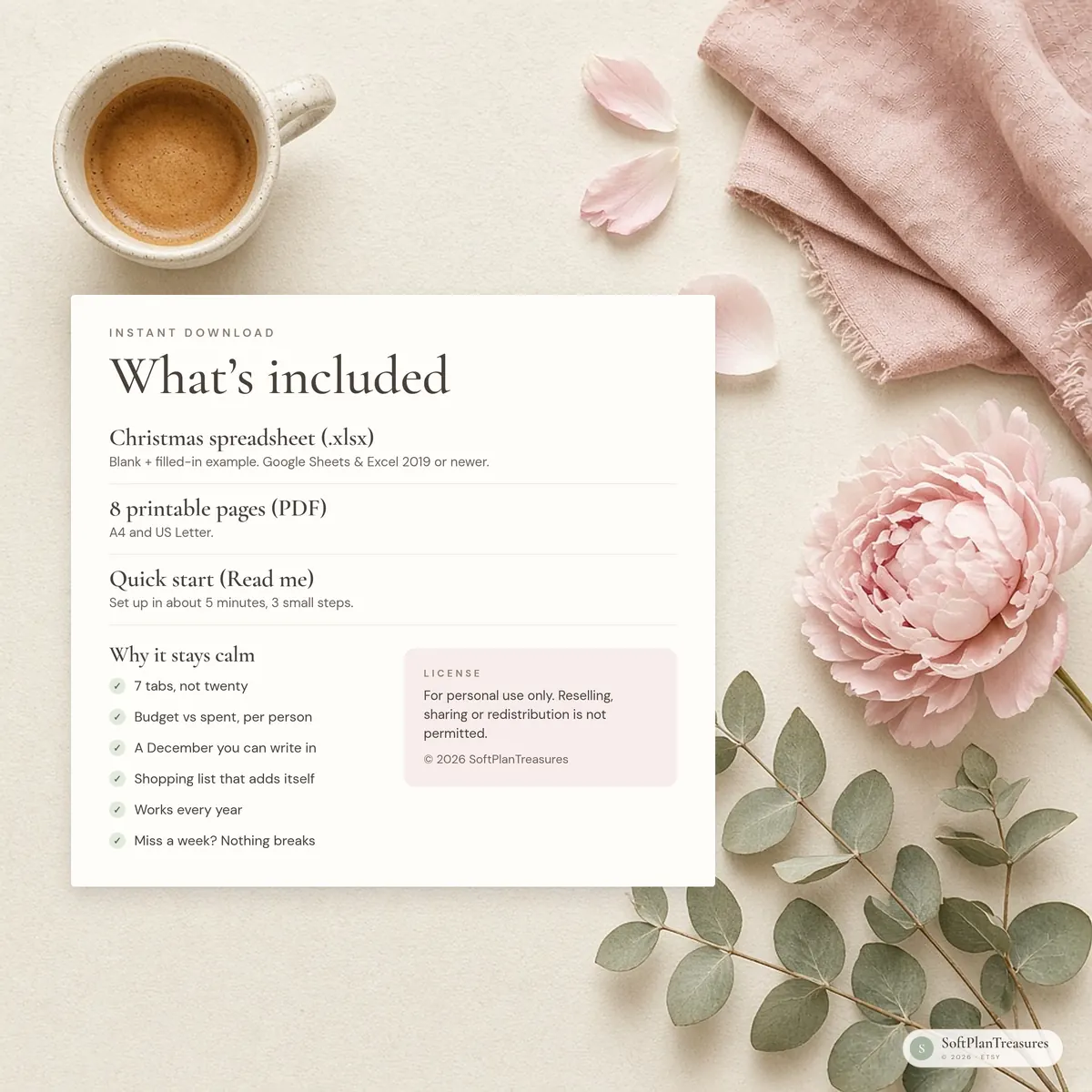
Christmas spreadsheet (.xlsx) for Google Sheets and Excel 2019 or newer, blank + a filled-in example
8 printable pages (PDF, A4 and US Letter)
A one-page quick start guide (Read me)
A calm december
7 tabs: Start Here, Overview, Budget, People & Gifts, December, Food & Baking, and Cards
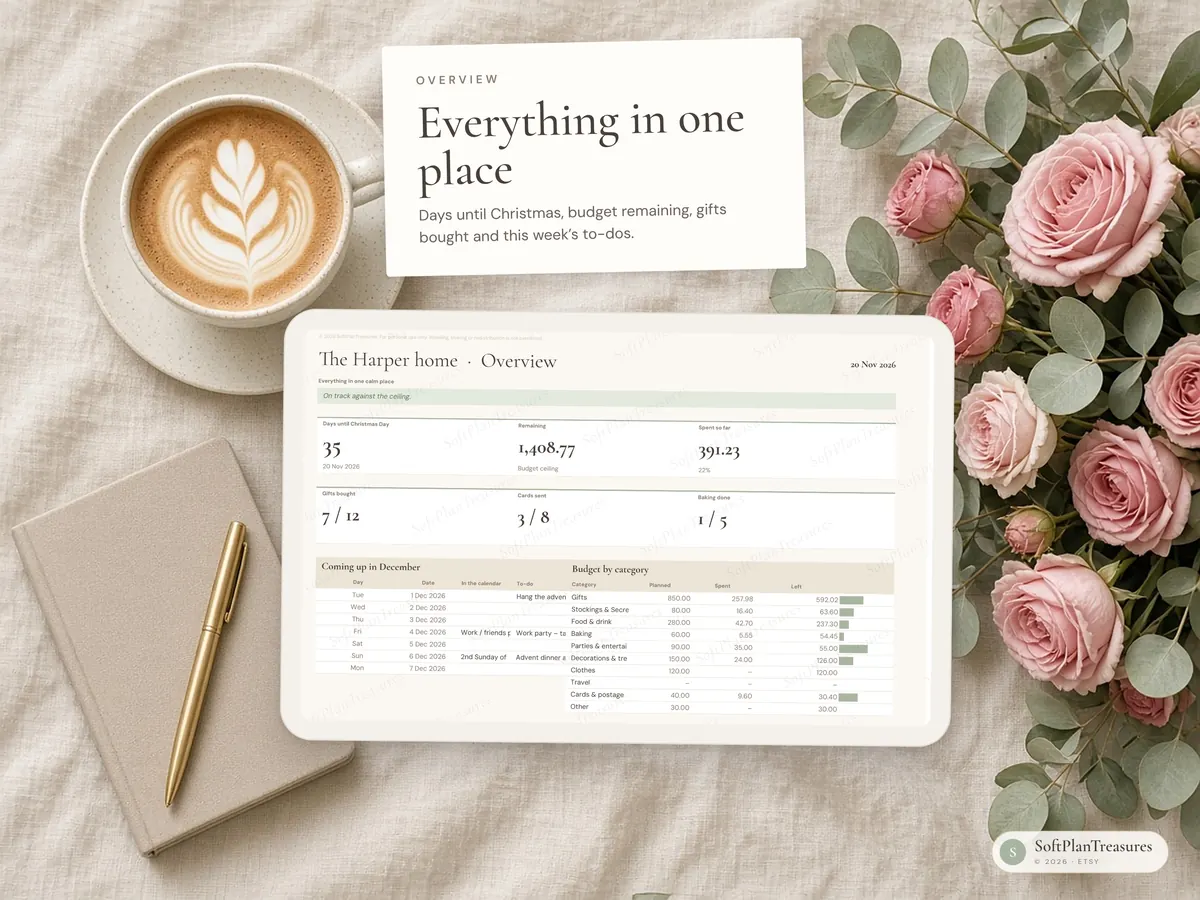
One Overview: days until Christmas Day, budget remaining against your ceiling, gifts bought, cards sent, baking done, and what is coming up in December
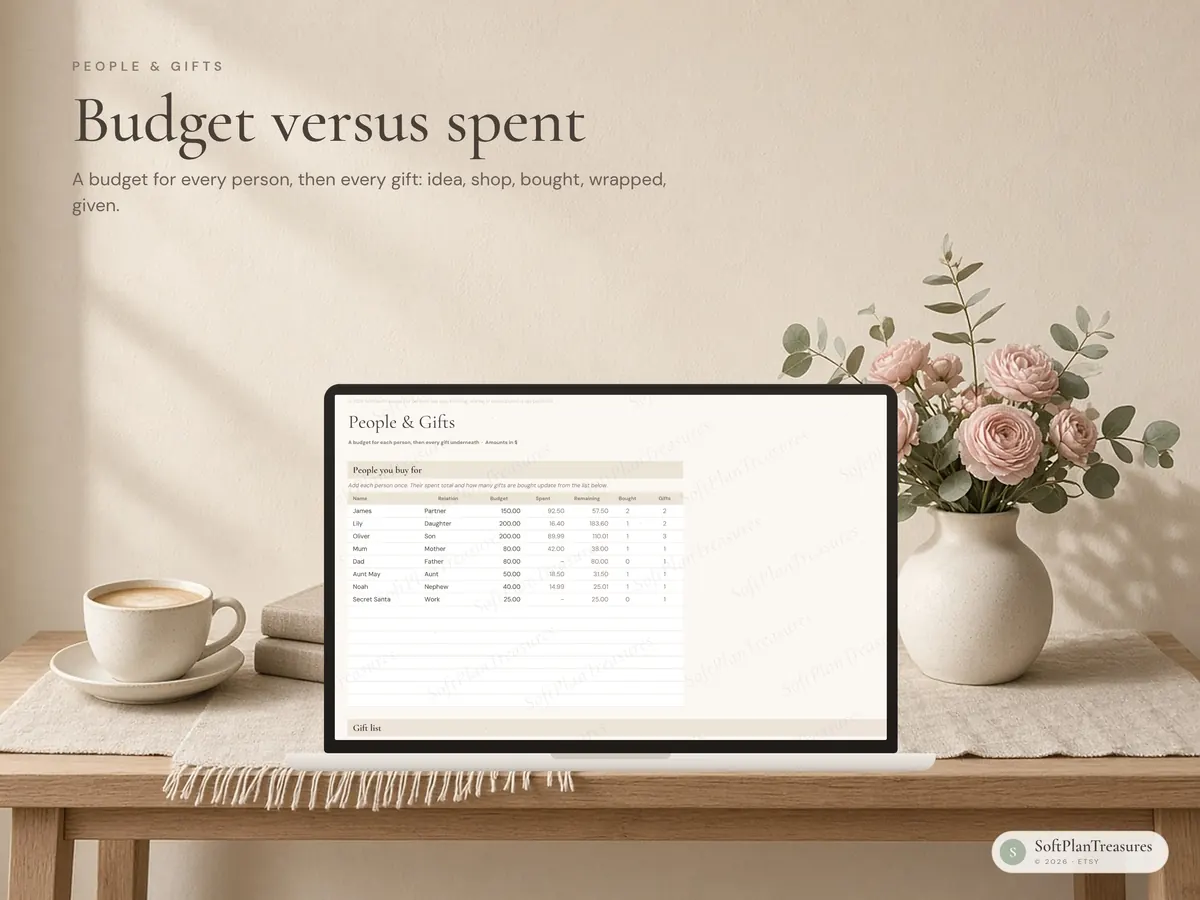
A gift list with a budget for every person, then every gift: idea, chosen gift, shop, bought, wrapped, given
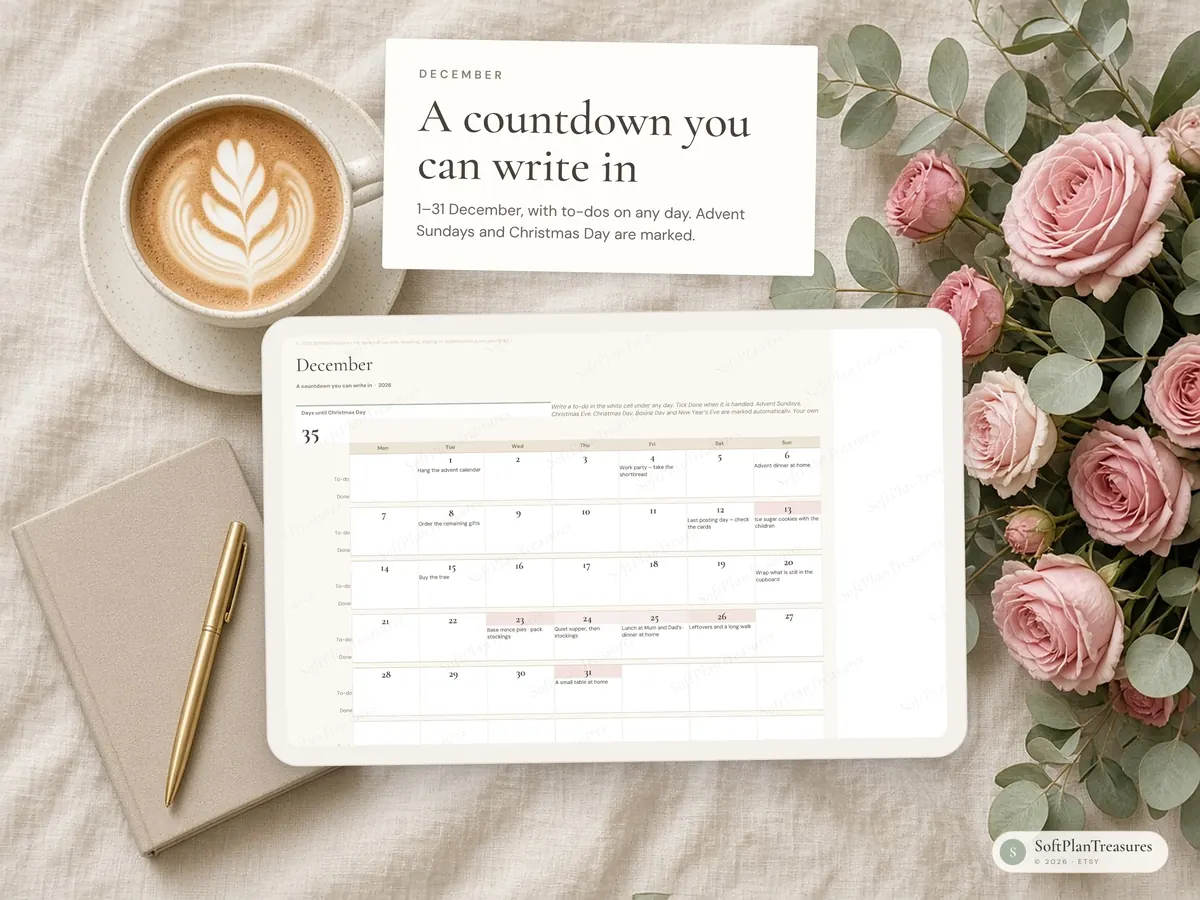
A December countdown calendar for 1–31, with a to-do on any day. Advent Sundays, Christmas Eve, Christmas Day, Boxing Day and New Year’s Eve are marked. Change the year and the calendar shifts.
Menus for the meals that matter, a baking plan, and a shopping list that adds itself to the budget
A card and greetings list, with postage that rolls into the budget
The budget, without the math
Ten categories: gifts, stockings and Secret Santa, food and drink, baking, parties, decorations, clothes, travel, cards and postage, and other
Spending is pulled in from the gift list, the shopping list, meal costs and card postage. Add anything else in the Extra column
Remaining and a simple bar for each category, plus a ceiling so you can see the plan against the most you want to spend
How to use it in google sheets
Download the files from Etsy (You → Purchases → Download files).
Go to Google Drive and upload the .xlsx file.
Open it and choose File → Save as Google Sheets.
You only need a free Google account. The file also opens directly in Excel (Excel 2019, 2021 or Microsoft 365).
Good to know
This is a digital download. Nothing will be shipped.
The spreadsheet is in English. Pick any currency symbol; amounts stay plain numbers so they work in any country.
Numbers in the photos are sample data, frozen on 20 November 2026 in the example file.
In Google Sheets, colours and fonts may look slightly different than in the photos. The formulas work the same.
This is an organising tool, not financial advice.
Fonts (Cormorant Garamond and DM Sans) are free Google Fonts. The sheet works fine without them.
Colors may vary slightly between screens and printers.
Tabs are protected (no password) so formulas aren't deleted by accident. Every cell you need to fill in is open.
Instant download · Google Sheets & Excel · Blank + example file · Designed in Norway
Questions
What do I get?
An instant digital download with a link to the Google Sheets file, an Excel file and printable pages, with a blank version and a filled-in example. Nothing is shipped.
Do I need Excel?
No. It works in free Google Sheets in your browser or the Google Sheets app, and in Microsoft Excel if you prefer.
Can I use it on my phone?
Yes. Open it in the Google Sheets app to update it on the go; it is easiest to set up the first time on a computer.
Is it in English or Norwegian?
Each planner comes in two separate versions. This listing is the English version; the other language is linked further down the page.
Where can I buy it?
Etsy is our main shop. The same file is also available on Payhip and Gumroad, so you can choose the checkout you prefer.