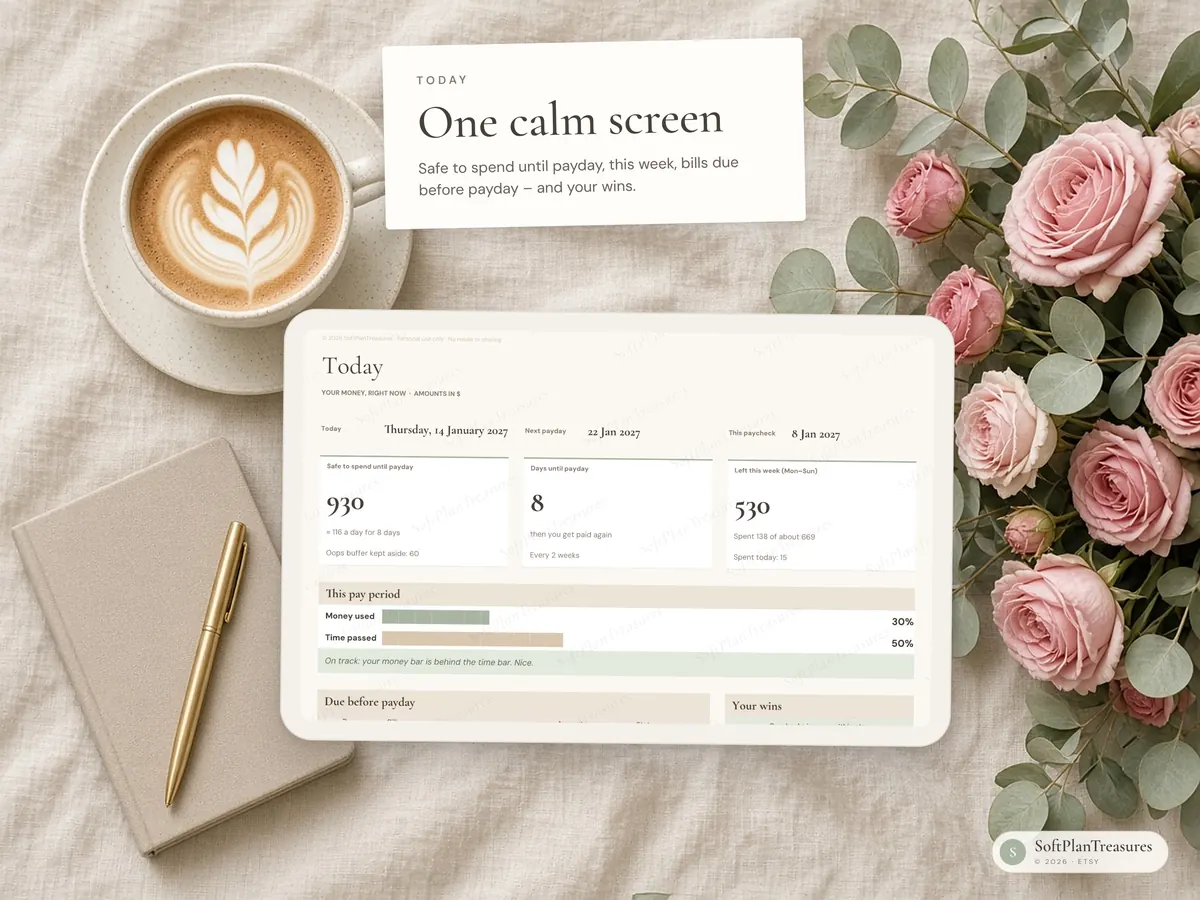
Simplified for ADHD brains: 7 tabs, one Today screen, minimal typing.
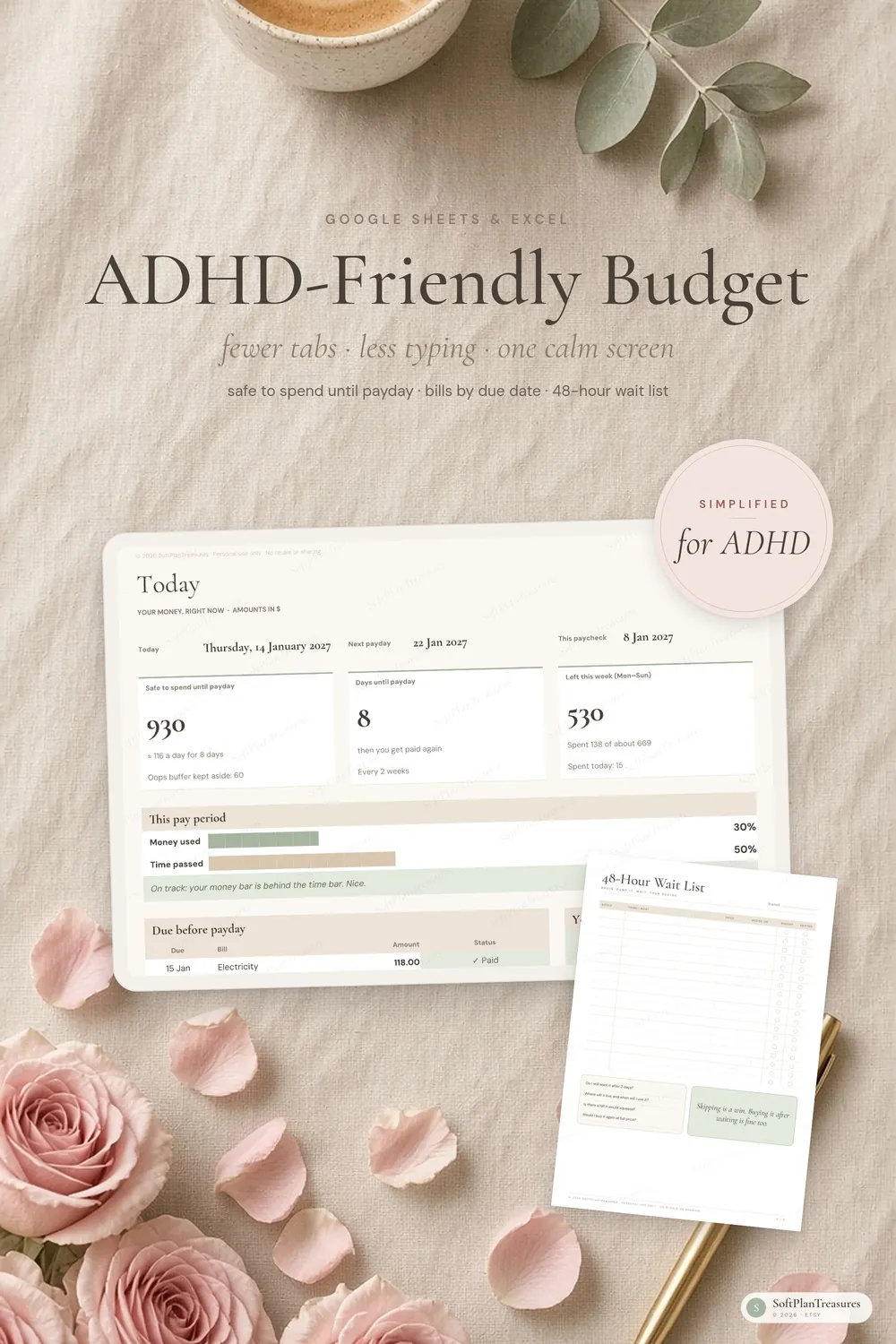
An easy paycheck budget for Google Sheets and Excel that shows what is safe to spend until payday.
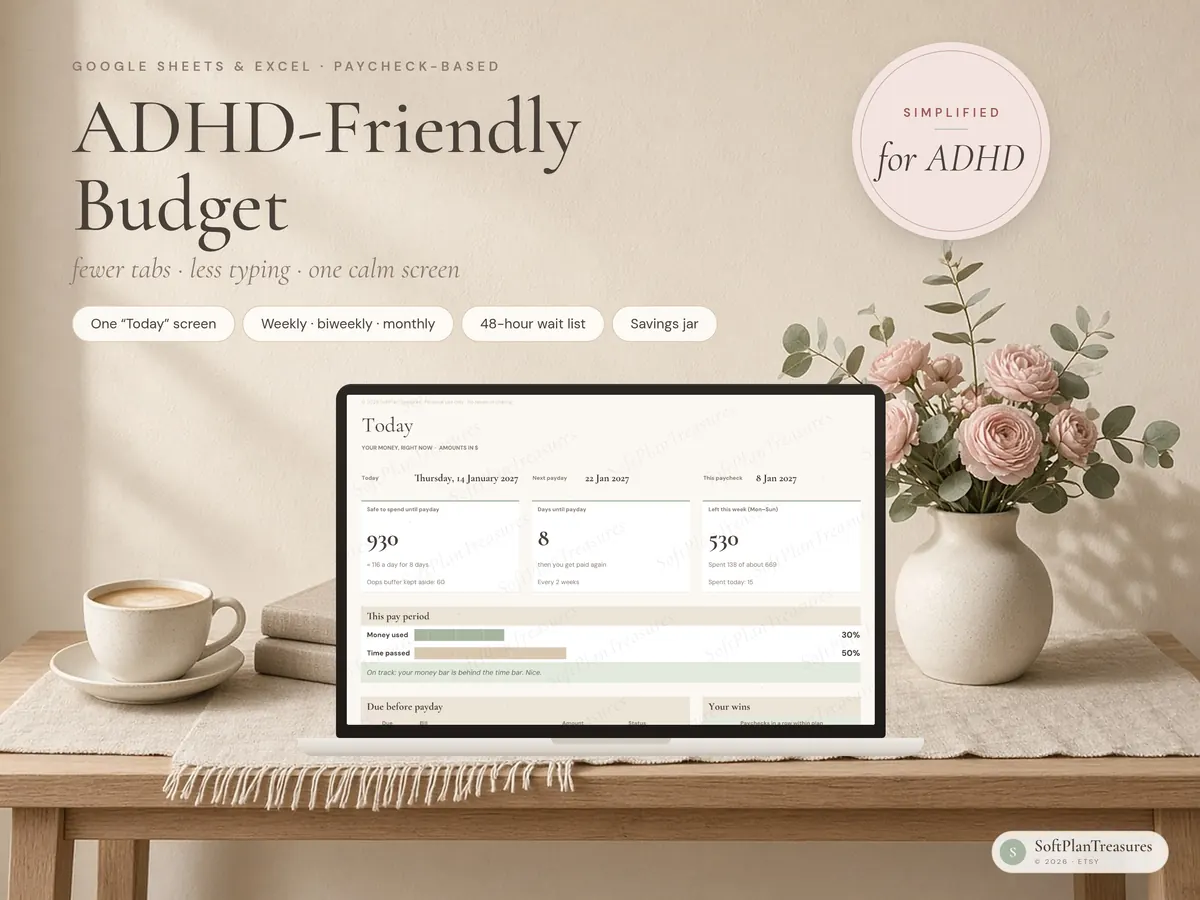
A calm, paycheck-based budget, simplified and designed for ADHD brains. One "Today" screen tells you what you can safely spend until payday. Bills show up by due date, and small wins get celebrated. You won't find 20 tabs or a wall of numbers here, and nothing breaks if you miss a week.
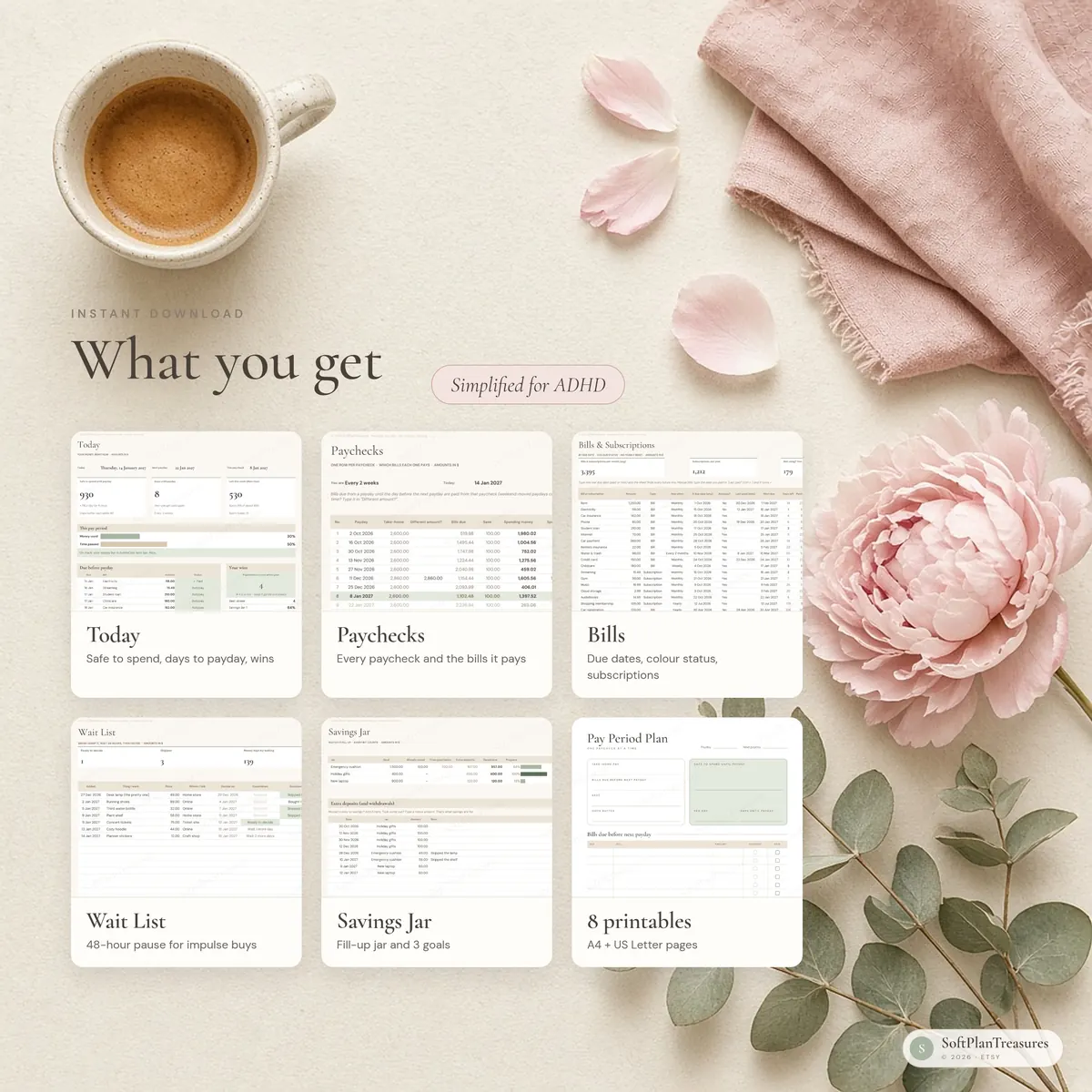
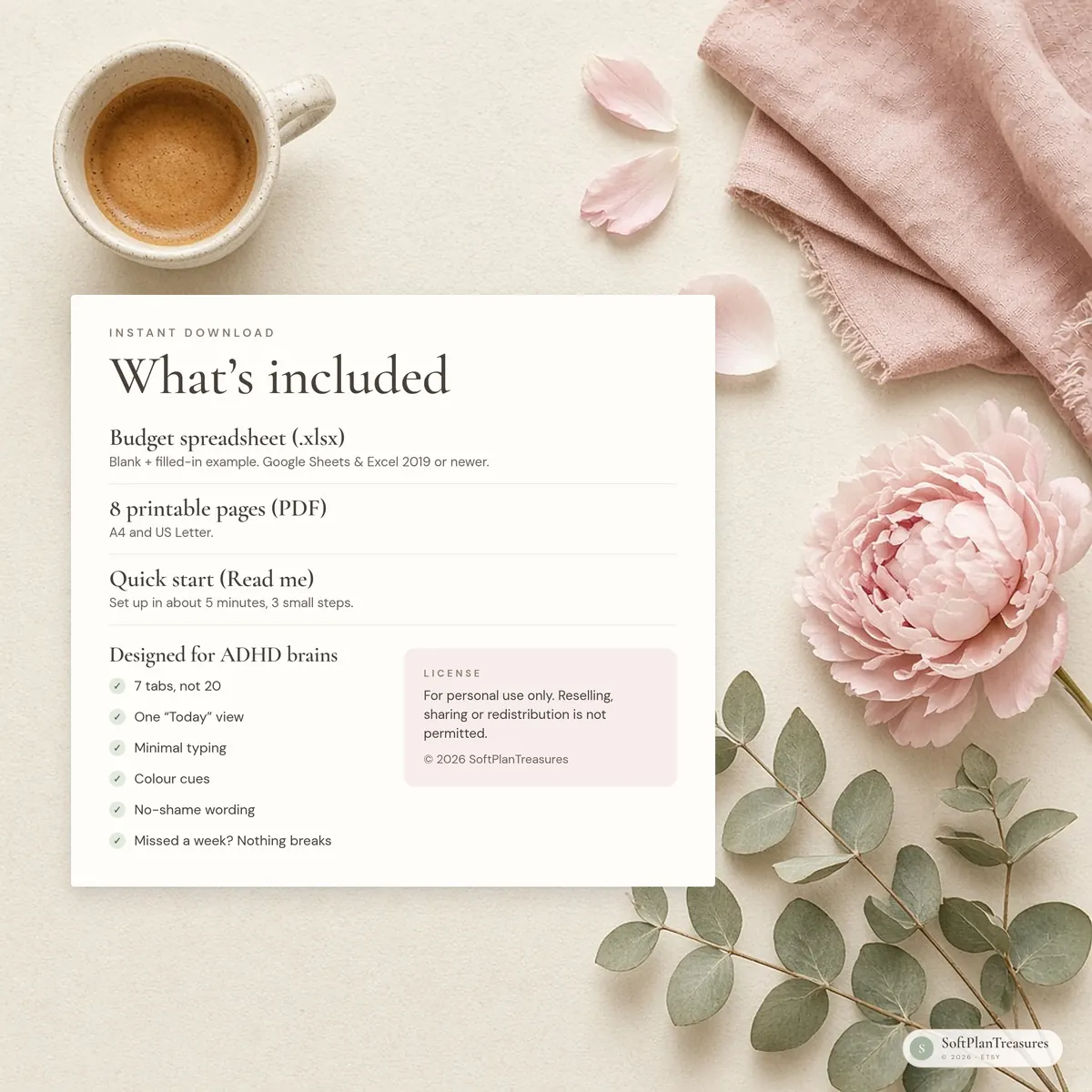
What you get
Budget spreadsheet (.xlsx) for Google Sheets and Excel 2019 or newer, blank + a filled-in example
8 printable pages (PDF, A4 and US Letter)
A one-page quick start guide (Read me)
Simplified for adhd brains
7 tabs, not 20: Start Here, Today, Paychecks, Bills, Spending, Wait List and Savings Jar
One "Today" view: safe to spend until payday, days until payday, what's left this week, bills due before payday and your wins
Big progress bars: "money used" next to "time passed", so you see at a glance whether you're on track
Colour cues instead of math: paid, autopay, pay before payday, coming up
Minimal typing: drop-down lists, and Ctrl + ; types today's date
No-shame wording. Spending a bit fast? The sheet says "A little ahead of the calendar" and tells you the daily amount that gets you back on track. Every payday is a fresh start.
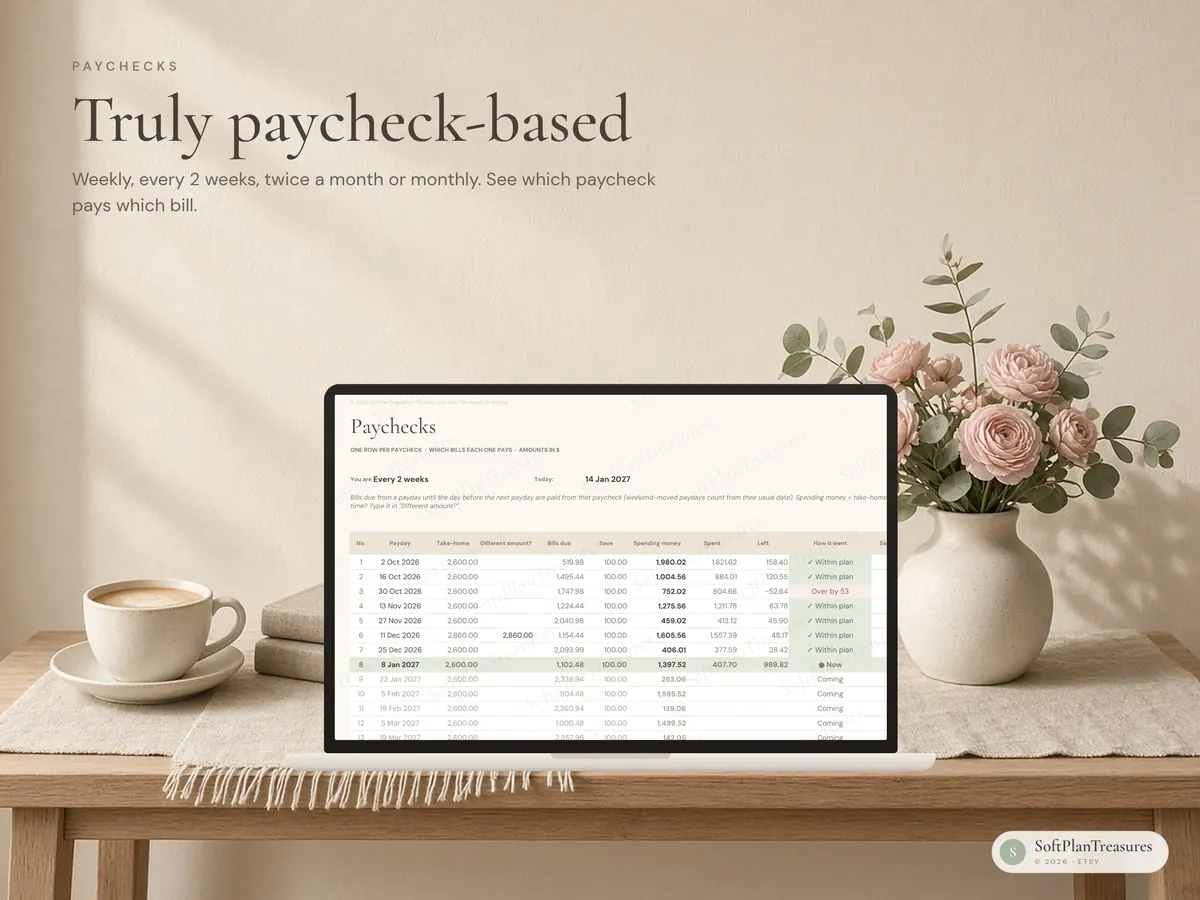
A true paycheck budget
Paid weekly, every 2 weeks, twice a month or monthly? Pick your rhythm and one recent payday. The sheet lists every real payday, not a monthly sheet with "biweekly" in the name.
Each paycheck shows which bills it needs to cover (bills due from this payday until the day before the next), how much goes to savings and what's left to spend
Different amount one time (bonus, overtime, a short paycheck)? Type it on that payday only
Optional rule: if a monthly or twice-a-month payday lands on a weekend, it moves to the Friday before
Extra paycheck months are flagged so you can plan them
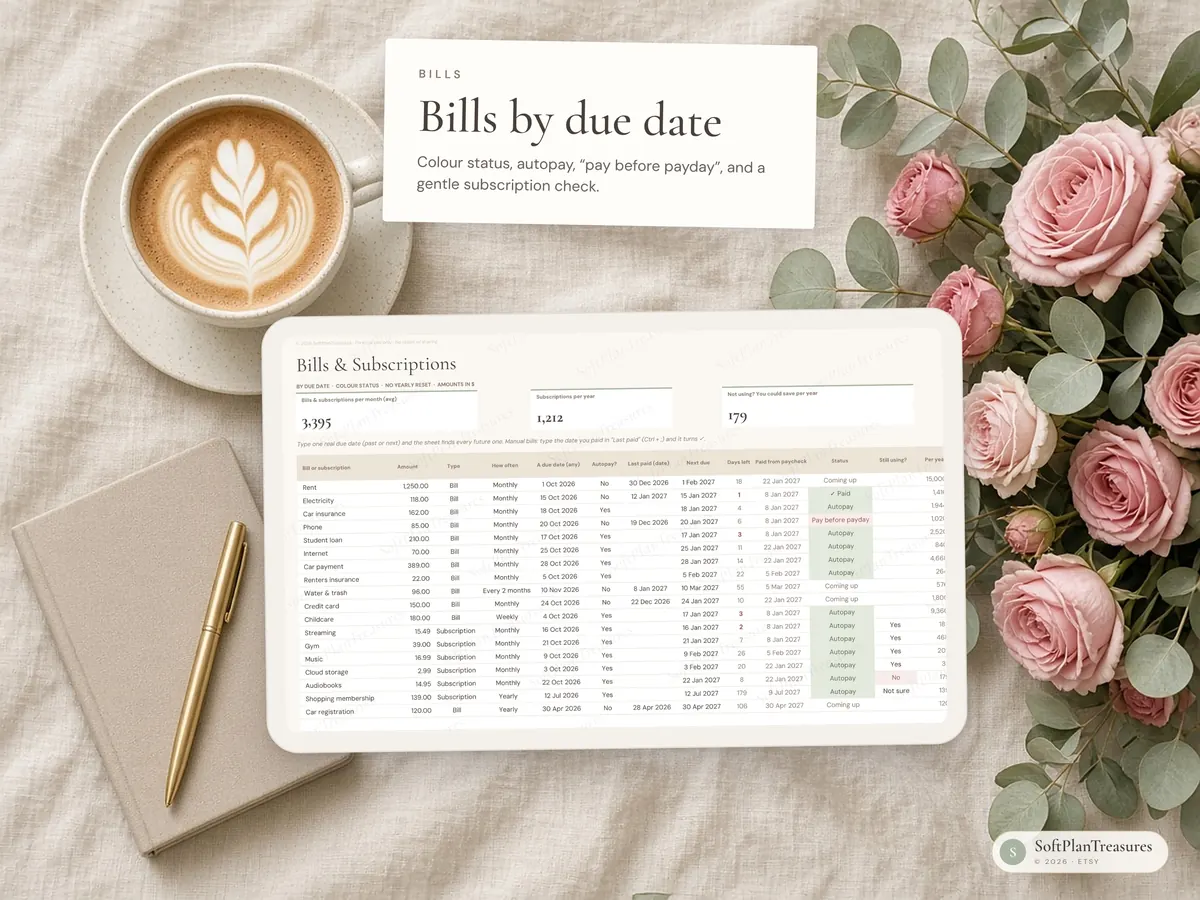
Bills by due date
Weekly, every 2 weeks, monthly, every 2 or 3 months, twice a year or yearly
Next due date, days left, which paycheck pays it, and a colour status
Autopay bills are marked so you don't pay twice
Subscription check: "Still using?" Yes / No / Not sure, and how much a year you could keep by cancelling
Dopamine-style wins
Streak of paychecks within plan
Check-offs for bills and savings
Savings Jar: up to 3 goals with a jar that fills up as you save, plus kind little milestones
48-hour Wait List: brain-dump impulse buys, wait two days, then decide. Skipping counts as a win, and the sheet adds up the money you kept.
Printable pages
Pay period plan · This week · Bill calendar · Subscriptions check · Spending log · 48-hour wait list · Savings jar (colour a coin) · Wins & streaks
How to use it in google sheets
Download the files from Etsy (You → Purchases → Download files).
Go to Google Drive and upload the .xlsx file.
Open it and choose File → Save as Google Sheets.
You only need a free Google account. The file also opens directly in Excel (Excel 2019, 2021 or Microsoft 365).
Good to know
This is a digital download. Nothing will be shipped.
The spreadsheet is in English. Pick any currency symbol; amounts stay plain numbers so they work in any country.
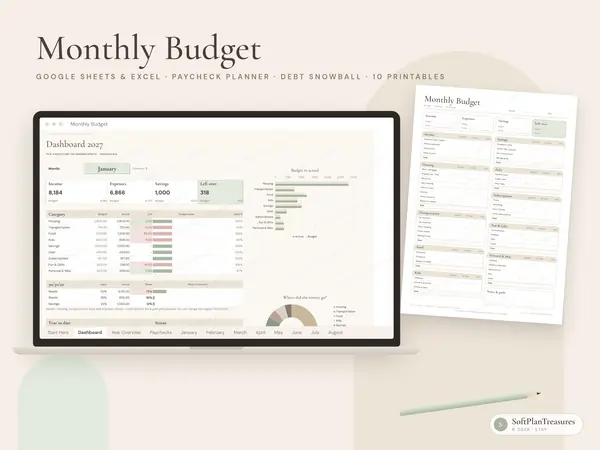
Numbers in the photos are sample data.
In Google Sheets, colours and fonts may look slightly different than in the photos. The formulas work the same.
This is an organising tool, not financial, medical or psychological advice.
Fonts (Cormorant Garamond and DM Sans) are free Google Fonts. The sheet works fine without them.
Colors may vary slightly between screens and printers.
Tabs are protected (no password) so formulas aren't deleted by accident. Every cell you need to fill in is open.
Instant download · Google Sheets & Excel · Blank + example file · Designed in Norway
Questions
What do I get?
An instant digital download with a link to the Google Sheets file, an Excel file and printable pages, with a blank version and a filled-in example. Nothing is shipped.
Do I need Excel?
No. It works in free Google Sheets in your browser or the Google Sheets app, and in Microsoft Excel if you prefer.
Can I use it on my phone?
Yes. Open it in the Google Sheets app to update it on the go; it is easiest to set up the first time on a computer.
Is it in English or Norwegian?
Each planner comes in two separate versions. This listing is the English version; the other language is linked further down the page.
Where can I buy it?
Etsy is our main shop. The same file is also available on Payhip and Gumroad, so you can choose the checkout you prefer.