Blog · 5 min read
How to Plan Your Week in Google Sheets: A Calm 15-Minute Sunday Reset
A simple weekly planning routine you can run in Google Sheets in 15 minutes, with one focus, three tasks, habits that count themselves and a gentle monthly review.
Published · SoftPlan Treasures
Most planners fail for the same reason: they ask too much. A page for every hour, thirty habits, a vision board, a gratitude log and a reading list. It looks beautiful for a week, and then the empty pages start to feel like homework.
A weekly plan in Google Sheets can be the opposite: small, quick and always in your pocket. Here's a 15-minute Sunday routine and a simple layout to go with it.
Why a spreadsheet for planning?
- It's on your phone and your computer, synced automatically.
- It counts for you. Habits, tasks done and streaks add themselves up.
- It's undated. Start any Monday. Miss a week and nothing is wasted.
- It's free. All you need is a Google account.
The layout: one week, few columns
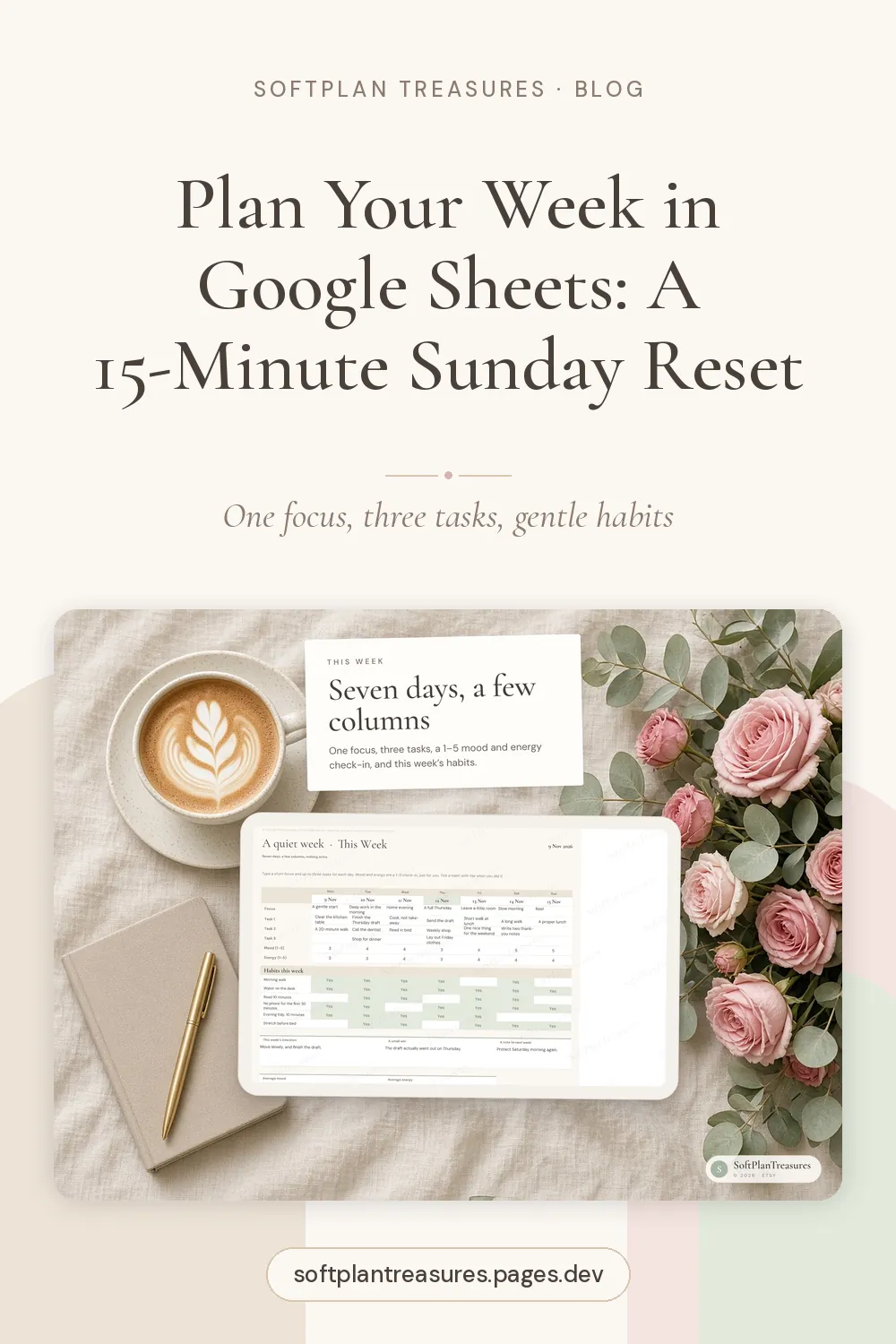
Create a sheet called This Week. Keep it narrow enough to read on a phone without scrolling sideways:
At the top
- Week of: the Monday date
- One focus: a single sentence for the week, like "Finish the application" or "Rest more"
- Three tasks: the three things that would make this week a success, each with a checkbox
Below, one row per day (Monday to Sunday)
| Day | Plan | Mood 1–5 | Energy 1–5 | Habit 1 | Habit 2 | Habit 3 |
|---|---|---|---|---|---|---|
That's it. Seven rows, a few columns. Use Insert → Checkbox for the habits, and a drop-down with 1 to 5 for mood and energy (Data → Data validation → Dropdown).
Let the sheet count your habits
Under each habit column, add:
=COUNTIF(E5:E11, TRUE)
Next to it, put your weekly target, say 4 out of 7, and you'll see at a glance how you're doing. A soft conditional-formatting colour when you hit the target is a small, satisfying reward.
The 15-minute Sunday reset
Minutes 1–3: Look back
Glance at last week. Which tasks got done? Which habits did you hit? Look at your mood and energy scores and notice, without judging, which days felt good and which didn't.
Minutes 4–6: Clear the sheet
Make a copy of the tab for your records (right-click the tab → Duplicate, then rename it with the date), or simply clear last week's entries. Type the new Monday's date.
Minutes 7–9: Choose one focus
Ask: what would make next week feel good? Write one sentence. A focus isn't a task. It's a direction that helps you say yes or no during the week.
Minutes 10–12: Pick three tasks
Not ten. Three. If you finish them by Wednesday, wonderful, add more then. Three tasks you actually do beat a list of fifteen that makes you feel behind.
Minutes 13–15: Sketch the days
Write a word or two in each day's Plan cell: the appointment, the workout, the evening off. This isn't a schedule. It's just enough to see the shape of the week, so a busy Wednesday doesn't surprise you.
Goals and habits, kept short
Two more small tabs make the weekly plan work over time.
Goals. Up to eight goals, each with why it matters, one next small step and a status: Not started, Going, Paused, Done. The "next small step" is the magic column. "Get fit" is a goal; "book a trial yoga class" is a step you can put in this week's three tasks.
Habits. Up to six habits, each with a weekly target. Fewer is better. Choose habits that support your goals, and allow yourself to pause one when life gets full.
A gentle monthly review
Once a month, take ten minutes for a review tab with four prompts:
- Wins: what went well, big or small?
- What drained me? People, tasks or habits that cost more energy than they gave.
- Start / stop / continue: one thing for each.
- A note for next month: a sentence to read on the first Sunday.
Over a few months, these short notes become a surprisingly honest record of what actually helps you.
Keep it kind
A planner should support you, not grade you. A few rules that help:
- Unfinished tasks just move. No red marks.
- Missed a week? Start fresh on Monday. That's what undated is for.
- Low energy days count. Logging a 2 out of 5 is useful information, not a failure.
- Mood and energy check-ins are just for you. They're a way to notice patterns, not a diagnosis.
Make planning part of your money routine, too
Many people find the Sunday reset is also a natural moment to glance at their budget: what's coming up this week, which bills are due, how much is left to spend. If that's you, our ADHD budgeting method is built around a five-minute weekly check-in that fits right after it.
A ready-made life planner
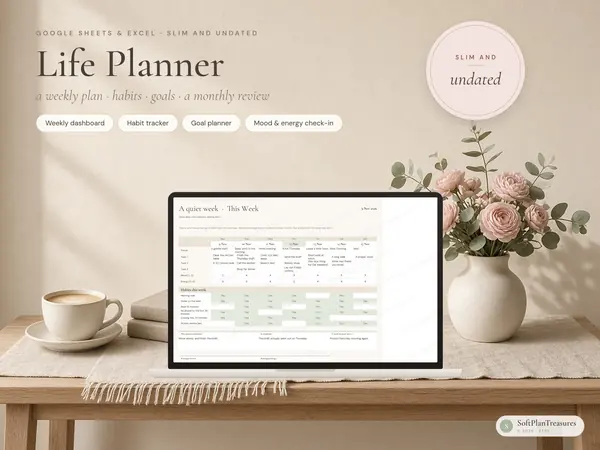
If you'd like this layout finished and styled, our life planner is exactly that: five tabs, not fifty. This Week with one focus, three tasks, a 1–5 mood and energy check-in and habit ticks; Goals with next small steps; Habits that count themselves; and a Monthly Review with no year locked in. It's undated, made to be easy on a phone, works in Google Sheets and Excel, and includes printable pages with a 31-day habit tracker.
There's also a Norwegian version, Livsplanlegger.
Small plans, kept
The goal isn't a perfect week. It's a week where you know what matters, do a few things that move you forward, and notice how you're feeling along the way. Fifteen minutes on a Sunday is enough for that.